pacawood
Import
Open your photos, videos or documents. Nothing is uploaded; the work happens on your machine.

Chromawood, Clearwood AI and PacaScale grade, clean and
upscale your photos and video on your own PC.
Pacawood finds and removes watermarks,
 keeps your credits,
 upscales your video,
 grades the colour
 and does the heavy lifting on your PC.
Chromawood reads footage from the cameras you already shoot on
By the numbers
Remove watermarks, grade colour and upscale video from one Pacawood account. Your files are processed on your own PC, not uploaded to ours.
Contact us →How it works
Open your photos, videos or documents. Nothing is uploaded; the work happens on your machine.
Clearwood AI removes watermarks and scrubs hidden metadata, one file or a whole batch.

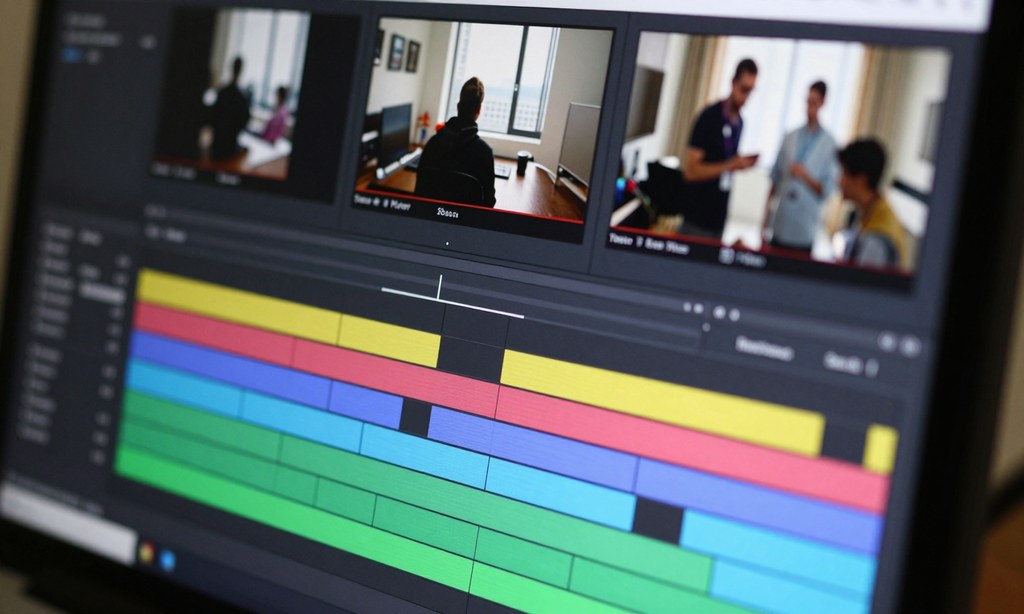
Chromawood grades the colour while PacaScale sharpens and upscales your video.

Save the finished files, upscaled up to 4K with motion smoothed from 30 to 60fps.

3 apps
Three apps under one Pacawood account. Open whichever one the job needs; your plan and credits follow you.

Remove watermarks from images, video and documents, and clean hidden metadata before you share.


One account
Chromawood, Clearwood AI and PacaScale all sign in with the same Pacawood licence key. Your plan and your daily credits follow you into all three.
Copy the key from your account page and paste it into each app. Your plan and balance show up straight away.


The crew
The same crew lives in Chromawood, Clearwood AI and PacaScale, with the same names in every app.
The Detective, Clearwood AI's guide. Finds and removes watermarks and hidden metadata. "If it's hiding, Pip's finding."
The Colourist, Chromawood's guide. Grades photos and video with 214 presets, LUTs and colour wheels. "Every shade, Saffy-made."
The Grower, PacaScale's guide. Upscales video up to 4K and smooths motion to 60fps. "Small in. Spike-sized out."
The Engine, your working buddy. Shows up while a job runs, and when something fails. "Max effort. Mox effort."
The Keeper, your account buddy. Looks after your licence key and credits. "Biscuit fetches. You create."
Sign in to all three apps with one Pacawood licence key.
What you can do
Every job runs on your own PC. Free accounts get 3 credits a day across all three apps; a subscription removes the limit.
Everything you can do →Tell us what you're working on. We read every feature request.
Getting started
One account, one licence key, three apps. Here is how a first session usually goes.
Create a free Pacawood account. No card needed.
Download Chromawood, Clearwood AI or PacaScale, or all three.
Paste your licence key, then clean, grade or upscale your files.
Save the finished files. A failed or cancelled job gives its credit back.
Free accounts get 3 credits a day across all three apps, reset at midnight IST.
Use cases
A few everyday jobs, from a single photo to a whole folder of video.


Remove watermarks from a whole folder of product images in one batch.



Grade one photo, save it as a still, then apply the same look to the rest of the set.



Upscale old or blurry clips up to 4K with the Real-ESRGAN engine on your GPU.



Strip hidden camera and location details before a file leaves your PC.


Turn choppy 30fps footage into smooth 60fps with frame interpolation.


Bring in ARRI, Sony, Canon, Panasonic, RED or Blackmagic log and grade it in one place.


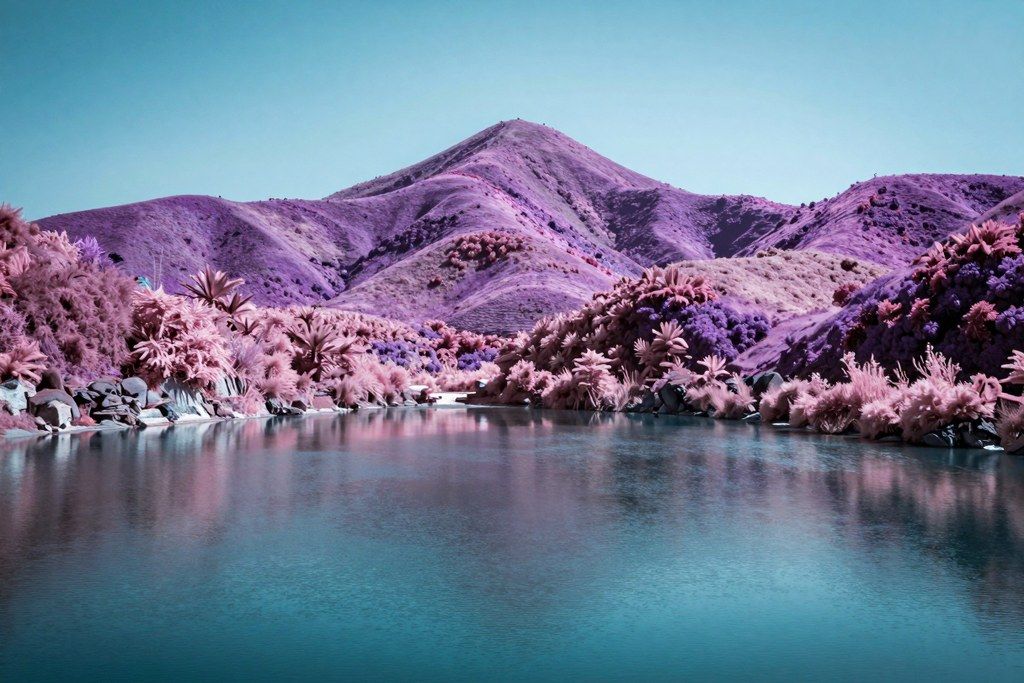
A punchy, high-contrast look with saturated neons: the kind of grade you can build in Chromawood with curves, HSL and colour wheels.
Open look 01 / 06Why Pacawood
Pacawood Private Limited builds desktop tools that keep your files on your own machine. Seven things we hold to.
Guides
Who it's for
 Clearwood AIWatermarks off,
 PhotographersChromawood
Grade one photo, then carry the same look across the whole shoot with presets, LUTs or a saved still.
 Video editorsPacaScale
Upscale soft or old footage up to 4K and smooth motion from 30 to 60fps, all on your own GPU.
 Content creatorsClearwood AI
Remove watermarks from images, video and documents you have the right to use, one file or a whole batch.
 ColouristsChromawood
Work straight from camera log with colour wheels, curves, power windows and real colour scopes.
 Anime fansPacaScale
Sharpen anime with Real-CUGAN for top quality, or the real-time Anime4K shaders for speed.
 Privacy-minded sharersClearwood AI
Clean out hidden metadata such as camera and location details before a file leaves your PC.
 PacaScaleOld video,Small teamsPacawood account
One subscription covers all three apps, so nobody has to juggle separate plans for each tool.
Pricing
Start free with 3 credits a day in total across the three apps. Subscribe for unlimited use of Chromawood, Clearwood AI and PacaScale.
 Questions about a plan?
Most answers are in the FAQ. Your plan, invoices and licence key live on your account page.
FAQ
Can't find what you're looking for? Send us a message and a person at Pacawood will reply.
Chromawood grades the colour of photos and video. Clearwood AI removes watermarks from images, video and documents and cleans hidden metadata. PacaScale upscales video up to 4K and smooths motion to 60fps.
One finished job uses one credit; a batch uses one credit per file. A job that fails or that you cancel gives its credit back. Previews and analysis never use credits.
Create an account, copy the licence key from your account page and paste it into each app. The apps then show your plan and the same shared balance.
No. All three apps process your files on your own PC. They only contact Pacawood for your licence, your credits and update checks.
Yes. Every Pacawood account gets 3 free credits a day in total, shared by Chromawood, Clearwood AI and PacaScale (one credit per job, one per file in a batch), reset at midnight IST. One subscription removes the limit in all three apps.
Contact
A short note is enough. A person at Pacawood reads every message and replies by e-mail.
Pacawood supportYes. One plan unlocks Chromawood, Clearwood AI and PacaScale.
Support is open · we reply by e-mail
Five fields, two of them optional
Press send there and someone at Pacawood will reply by e-mail.
3 free credits a day in total, shared by Chromawood,
Clearwood AI and PacaScale. No card needed.